
The OAuth app only identifies Obss to the provider; you still sign in with your own account.
Redirect URI
The redirect URI (or callback URL) is where the provider sends you after you sign in. Add it to your OAuth app:redirectUri.
Connect with your own OAuth app
- Dashboard
- CLI
- Plugin (MCP)
- Create an OAuth app with the provider, with the redirect URI.
- Open Manage → Tools → MCP servers and select New MCP server.
- Enter the server’s URL. Authentication changes to Sign in with provider.
- When the server needs an OAuth app, the OAuth app section opens with the Redirect URI and a copy button. On other servers, the same fields are under Use your own OAuth app.
- Paste the app’s Client ID. Add its Client secret if the provider gave you one.
- Select Create & connect, then sign in with the provider.
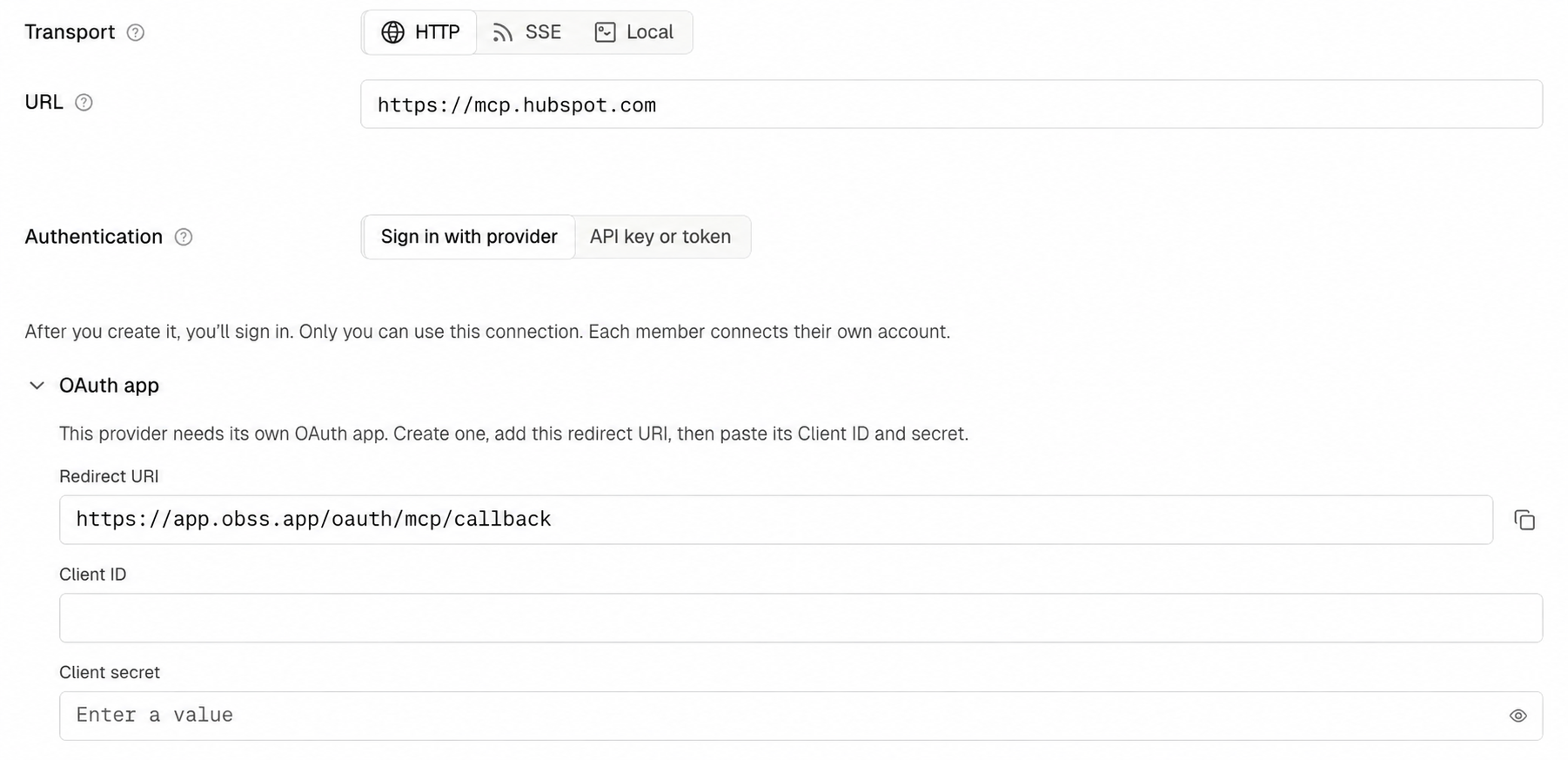
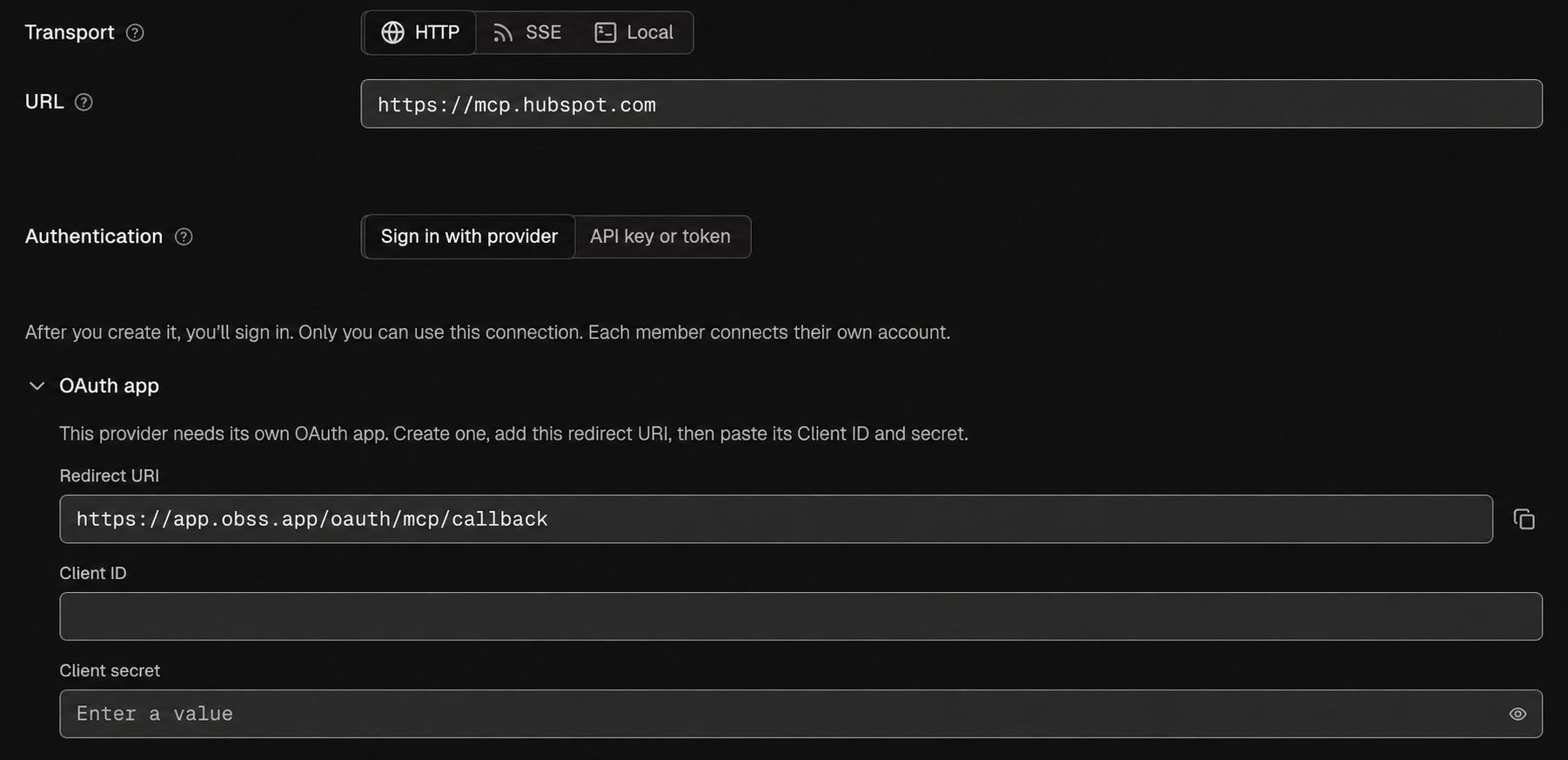
unknown means the server didn’t publish how it registers clients, or Obss couldn’t read it. Select Create & connect anyway. If the provider needs an OAuth app, Obss tells you and opens the OAuth app section:
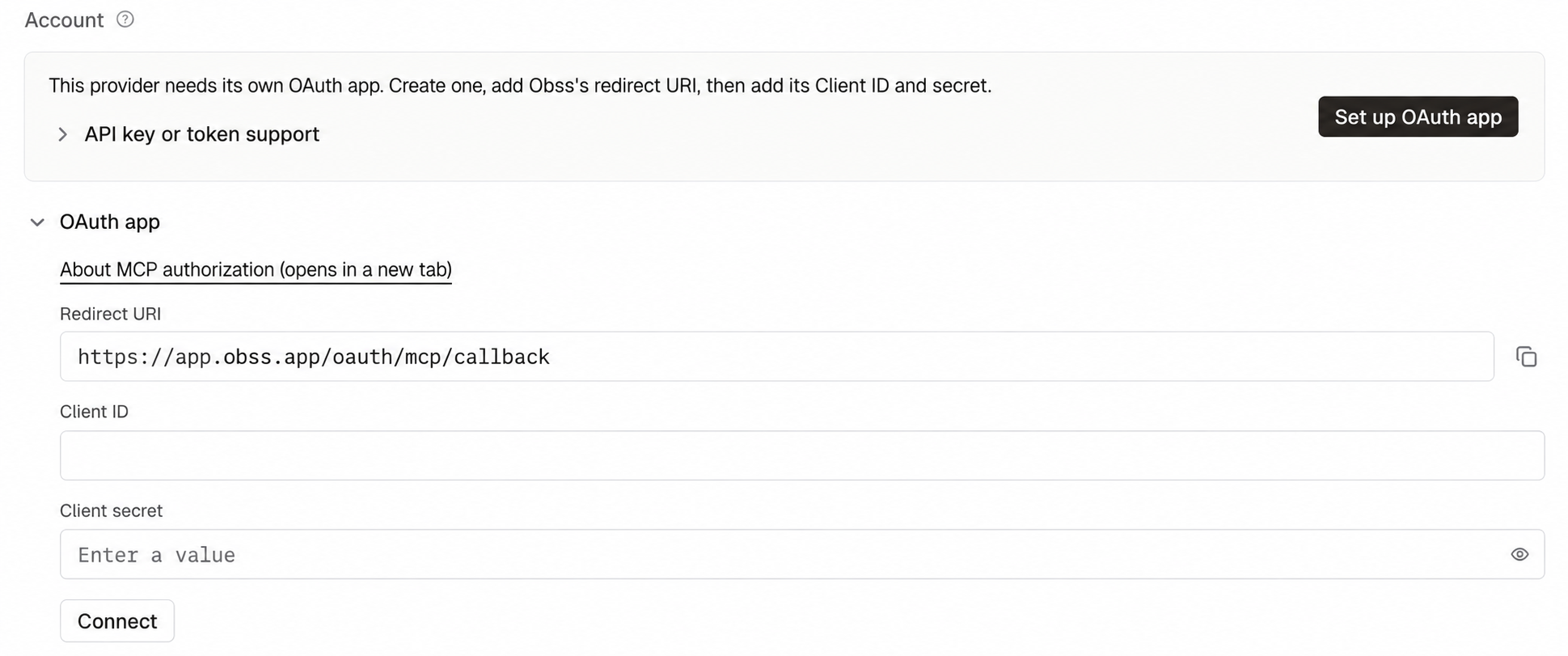
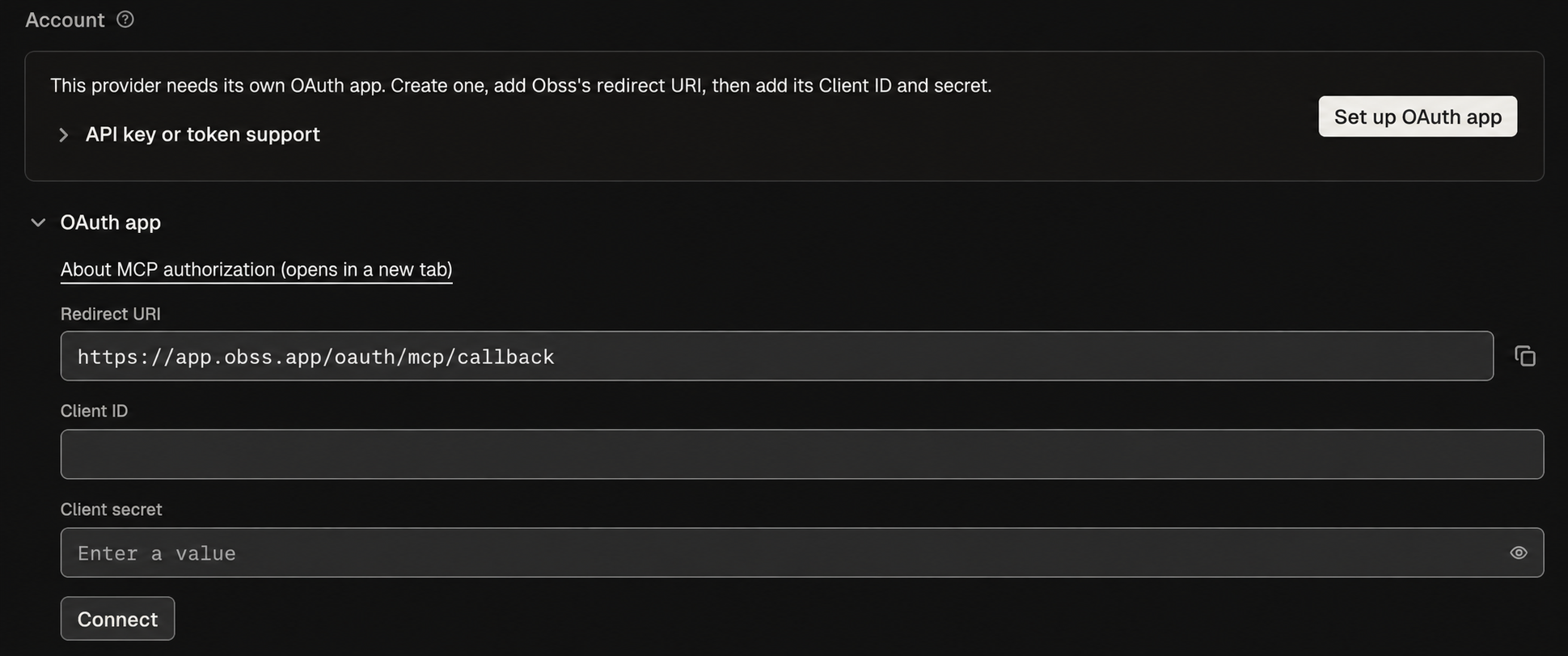
Client authentication
When the app has a Client secret, Obss sends it the way the provider’s metadata says it accepts:
Every sign-in uses PKCE.
Common problems
Obss sends the Client secret only to an address that a person chose. Learn more in Saved header values and the server address. For other connection messages, see Troubleshooting.