
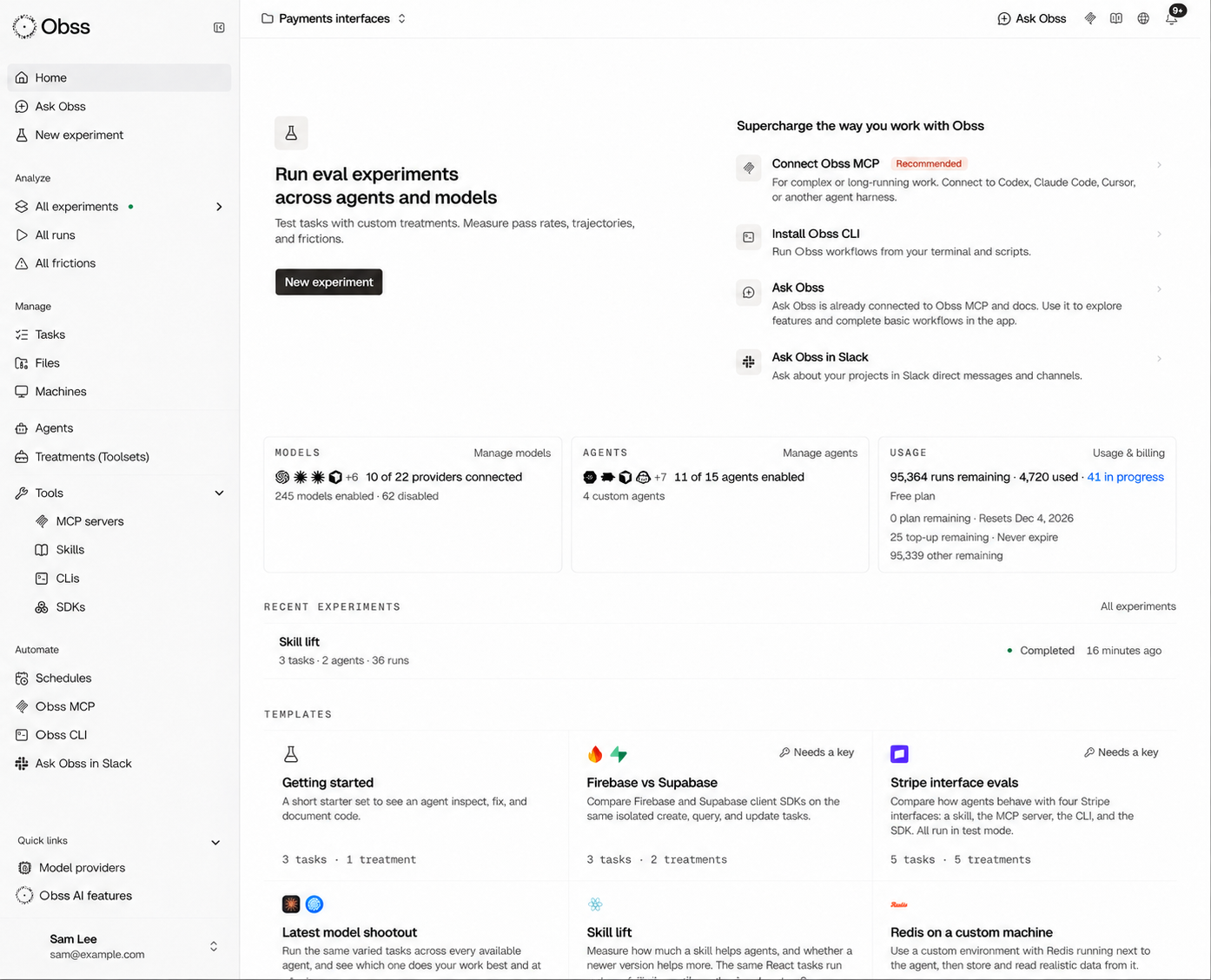
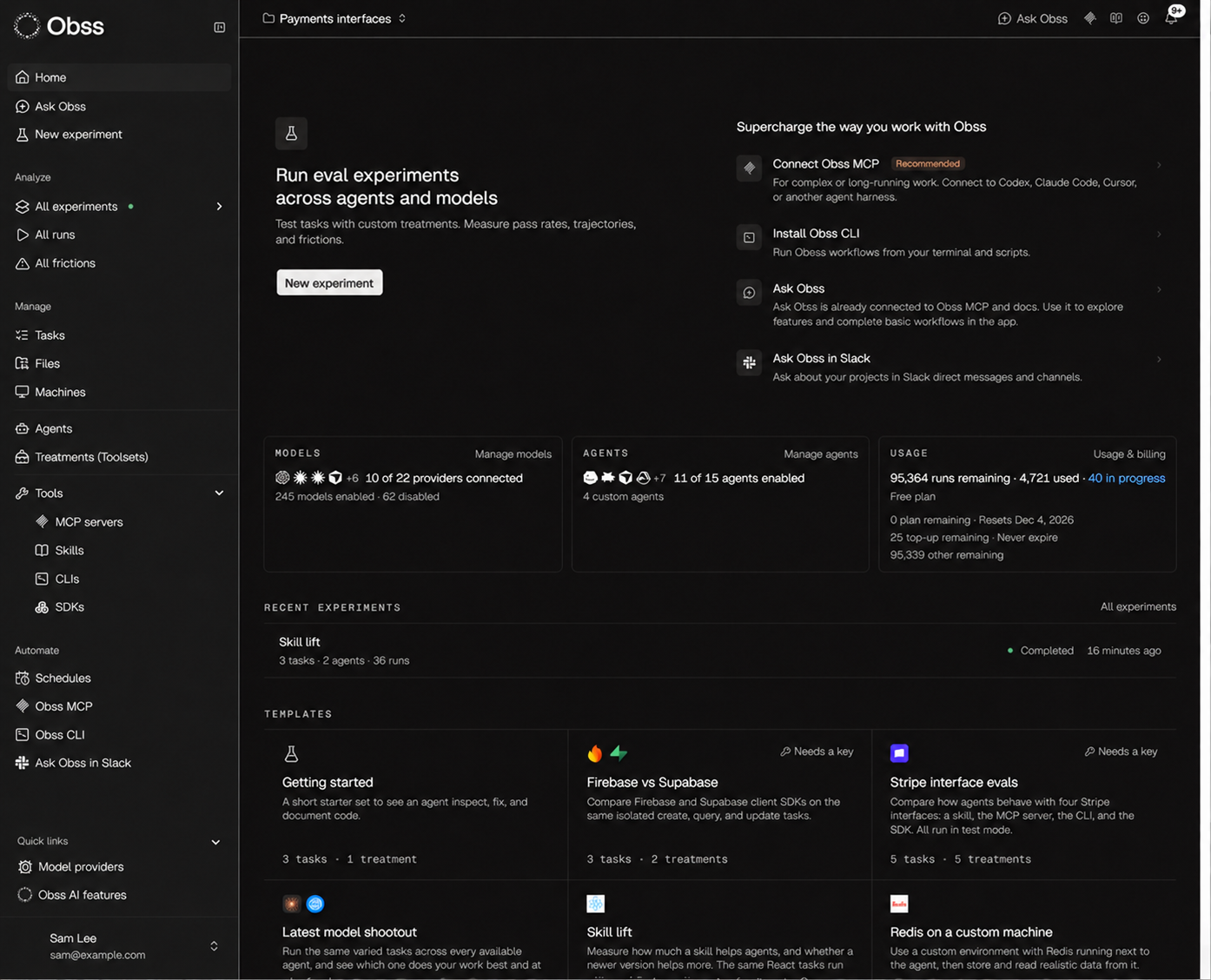
Top of the sidebar
When no model is connected, Home shows Connect models to get started. When a machine or tool needs a value or an account connection, Home names it.
Analyze
Manage
The lists for experiments, tasks, files, machines, tools, and treatments show each record’s tags and have a Tags filter.
Automate
Quick links
You can collapse Quick links.Account menu
Select your name at the bottom of the sidebar to open the account menu.Header
On small screens, Install the Obss Plugin, Documentation, and Contact support move out of the header: use Automate → Obss Plugin (MCP) and the account menu instead.
When no model provider can run models for you, a banner at the top of each page says why and links to the fix.
Tabs on detail pages
An experiment’s header has Launch again, Schedule, the Evals and Insights actions (such as Rerun evals and Rerun Insights), and Share. Its Experiment actions menu has Cancel experiment while the experiment runs, and it always has Delete experiment. A run’s ⋯ menu has the downloads, and Cancel run while the run can still stop.
A page’s actions sit on one line beside its title. When the window is too narrow for all of them, the last actions move into the page’s ⋯ menu and come back when there’s room. Actions that always live in ⋯, such as Delete, stay there at every width.
On any record, Runs lists only the runs that used it, and Experiments and Frictions show the experiments and frictions from those runs. A schedule’s Experiments tab also shows a launched experiment that has no runs yet.