
obss CLI can do everything the Obss Plugin and Ask Obss can, with stable JSON output for scripts, CI jobs, and AI assistants. You still read results and enter secrets in the dashboard. For every command and flag, see the CLI reference.
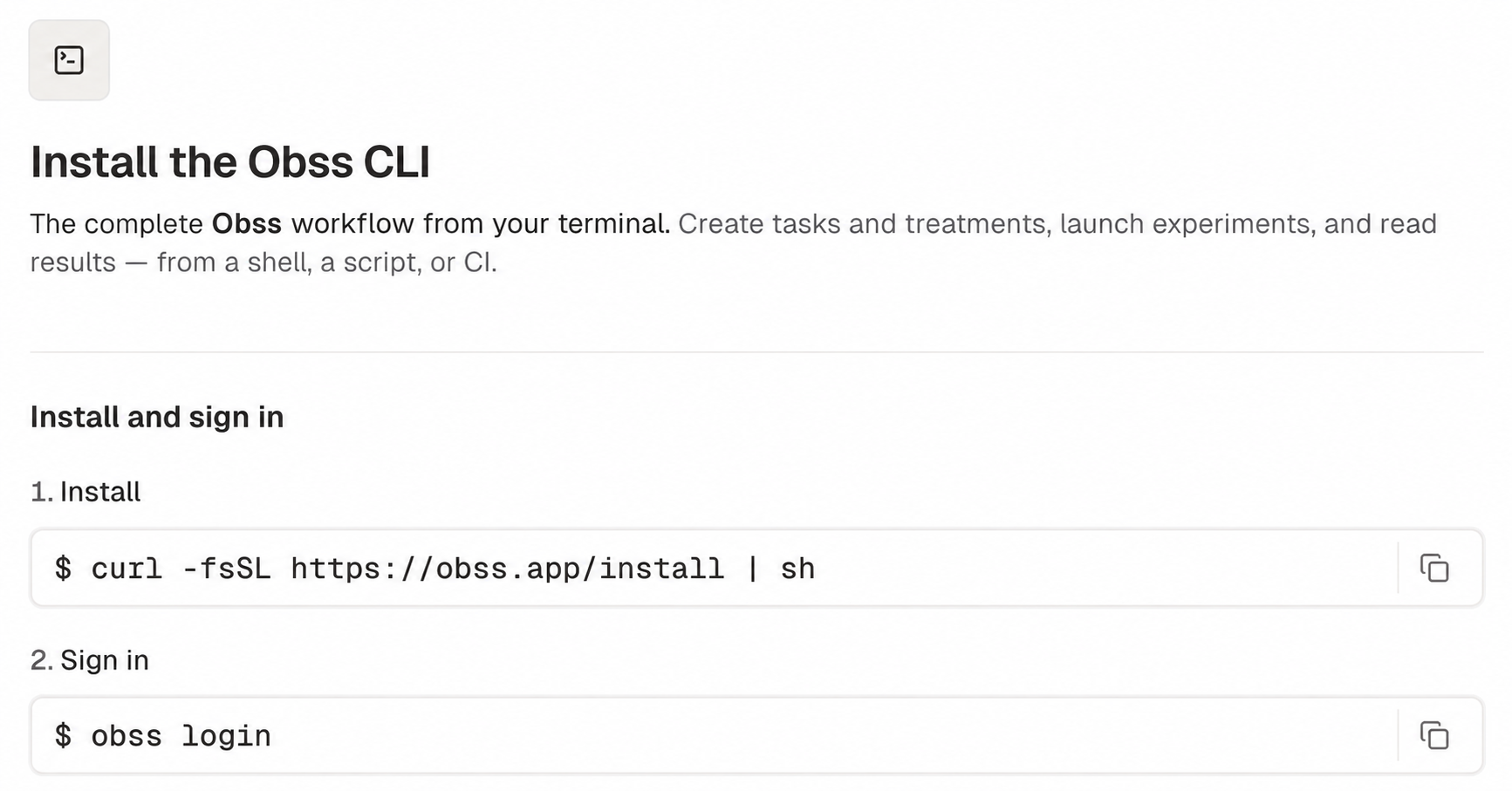
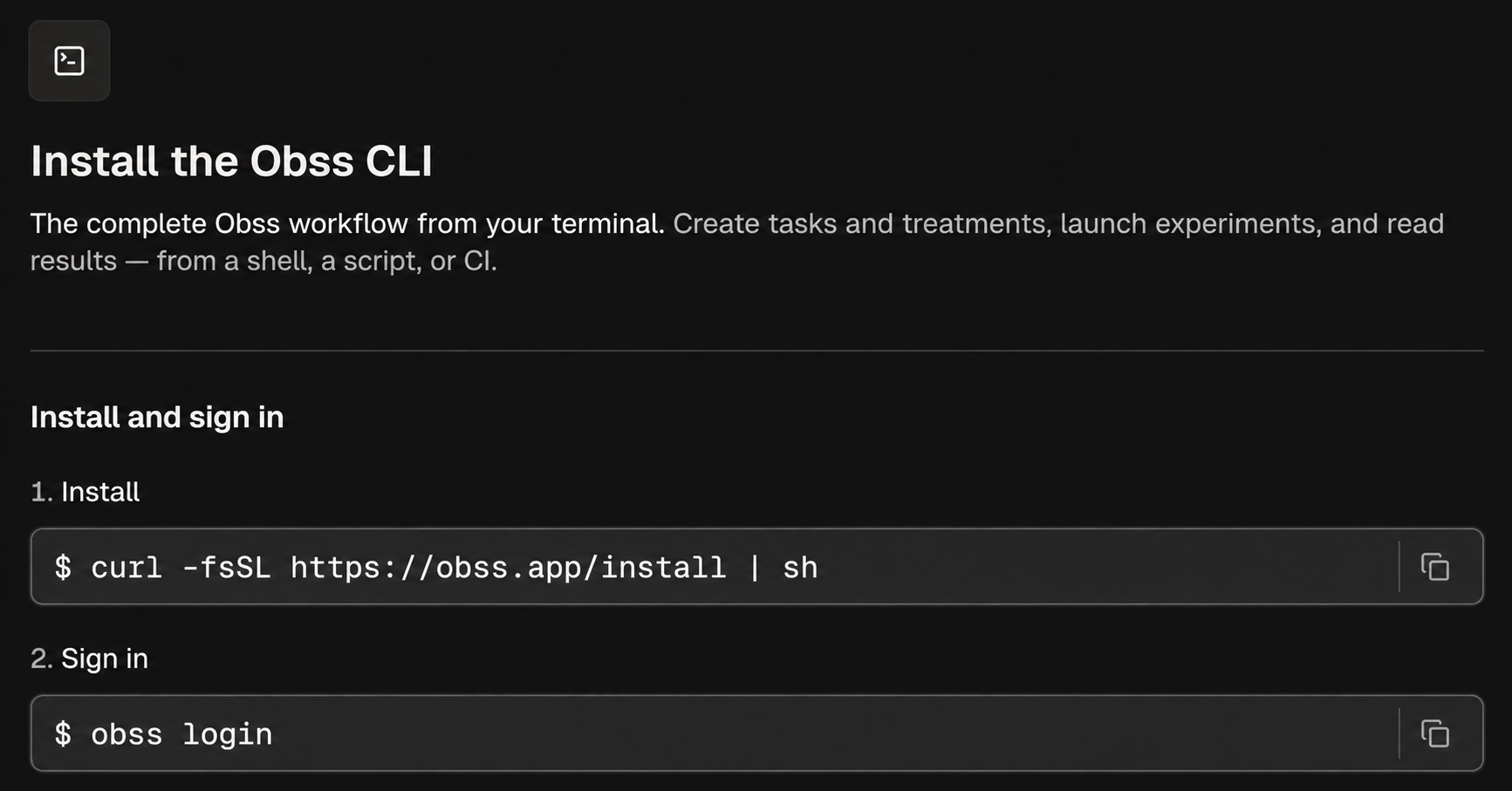
Install the CLI
Sign in
obss login opens your browser and prints a sign-in link and a confirmation code. Confirm the code, and the CLI saves your sign-in. To sign in on another device, pass --no-browser and open the link there. obss whoami shows who you’re signed in as, and obss logout removes the saved sign-in.
Use an API key
Use a personal API key where nobody can sign in through a browser, such as in a CI job or on the machine that an agent runs in.1
Create a personal API key
In the dashboard, open Profile → API keys and create a key.
2
Set the key where the CLI runs
Store the key as a CI secret exposed as
OBSS_API_KEY.obss whoami confirms that the CLI is using an API key.OBSS_API_KEY is set:
- Every command uses the key, which acts as you in its organization, instead of your saved sign-in.
obss logindoesn’t sign in. Unset the variable to sign in with your browser.obss logoutremoves only the saved sign-in, and commands keep using the key.- The CLI doesn’t update itself. Run
obss upgradewhen you want a newer release.
3) that points to the API keys page. Organization API keys can’t use the CLI.
Choose a project
Most commands work on one project. List your projects and save the one to use:--project-id. It doesn’t change the saved project. Learn more in obss projects.
Run an experiment from the terminal
This workflow uses only CLI commands, so an AI assistant can run it too.1
Find your tasks, treatments, and agents
catalog list returns each item’s stable ID and its current version ID. A launch plan uses each task’s version ID (tskver_…), not its task ID.2
Write a launch plan
If you’ve already run an experiment, copy its plan and edit it:Otherwise, start from the example plan and fill in the IDs from the catalog.The plan lists the task versions, treatments, agents, trials, and Evals and Insights settings. Give each new launch its own
launchAttemptId, and reuse an ID only to retry the same launch. obss schema experiments launch shows every field.3
Check the plan
4
Launch it
5
Watch it finish
watch takes the launch ID (adm_…) or the experiment ID (exp_…), waits until the experiment ends, and prints its progress counts. To check once without waiting, use obss experiments status.6
Read the results
results analyze summarizes pass and fail counts and compares treatments, and runs list pages through every run. runs profile shows where one run’s tool calls, time, and tokens went, and which treatment tools it used.7
Read the frictions
frictions list ranks frictions by the number of runs in which the agent didn’t recover. frictions get reads one friction: what goes wrong, the suggested fix, where it happens most, and recent runs.obss experiments rerun. To run it on a schedule, use obss schedules create and track the results over time.
Run an experiment in CI
A CI job can launch an experiment, wait for it, and fail when the result falls below a threshold you choose. The CLI doesn’t decide pass or fail. Your job reads the counts and applies the threshold.1
Set the API key and project
Store a personal API key as a CI secret named
OBSS_API_KEY. A key has no saved project, so pass --project-id on every command.2
Stop if the plan is blocked
Keep a plan file in your repository.Preflight exits with code
0 even when the plan is blocked. With --require-ready, it exits with code 6 instead, which fails the job. preflight.json still lists the blockers and issues to fix.3
Launch with a new attempt ID
A plan in your repository goes out of date when agents, models, or providers change, and the launch then fails with If the launch is refused, read
configuration_changed. Preflight returns a current copy in data.plan, so launch that. Give each pipeline run its own launchAttemptId, or you get the first launch back instead of a new experiment.error.code. For example, quota_exceeded means your run balance doesn’t cover the plan, and a person must add runs.4
Wait for the experiment to end
watch exits with code 0 for every end state, including errored and cancelled. With --fail-on, it exits with code 6 when the experiment ends in a state you list, which fails the job. status.json still has the result. completed means every run finished, so the example lists every other end state. If the timeout passes first, it exits with code 4 and error.code watch_timeout, and the experiment keeps running.5
Fail the job below your threshold
data.result:totalshasruns,passedRuns,failedRuns,evalsFailedRuns,infraBlockedRuns,inconclusiveRuns, andpendingRuns.treatments[]hastreatmentKey,runCount,passedRuns, andfailedRunsfor each treatment.
passedRuns / (passedRuns + failedRuns). Blocked and inconclusive runs, and runs whose Evals failed, have no verdict.obss results analyze compare_treatments. Each treatment has passedRuns, failedRuns, failureRate, and deltaFromReference.failureRate, its difference in failure rate from the baseline.
If the tasks and agents don’t change, obss experiments rerun exp_8f2c41d0 --attempt-id "ci-$CI_PIPELINE_ID" is a shorter way to launch the same experiment again (see attempt IDs).
Script the CLI
- JSON output: Pass
--output jsonto any command exceptobss acp, which writes only protocol messages. Stdout then has one envelope:{"ok": true, "command": …, "data": …}on success, or{"ok": false, "command": …, "error": {"code": …, "message": …}}on failure. - Exit codes: Check the exit code, not the text:
0success,1unexpected error,2usage error,3auth error,4API error,5network error, and6when the result matched--fail-onor--require-ready. See Exit codes. - Command contracts:
obss schemalists every command, andobss schema <command>prints its flags and output as JSON Schema. - Confirmation: A command that removes, cancels, disconnects, unpublishes, or replaces data asks you to confirm in a terminal. With
--output json, or when there’s no terminal, pass--yes. Without it, the command exits with code2and changes nothing. - Retries: Commands that launch or create take an attempt ID. If you run one again with the same attempt ID, you get the same result instead of a second launch.
- Secrets: The CLI never takes a secret on the command line. It returns the dashboard link instead, and
obss setup linkslists each machine and tool that still needs a value.
Keep the CLI current
After a command, the CLI checks for a new release (at most once an hour) and installs it in the background, so your next command uses it. To update now, run:obss upgrade doesn’t need a sign-in. The CLI doesn’t update itself in CI, while OBSS_API_KEY is set, or when run from source. The reference explains how to turn off background updates.
When Obss refuses an old release
When Obss no longer accepts the installed release, commands that contact Obss fail with exit code4 and this message:
--output json, error.code is client_update_required. The CLI reference has more on refused releases.
If you run Ask Obss as a custom agent from a pinned CLI download, it doesn’t pick up a newer release. Copy the url and sha256 of a current release into the agent’s Download URL and SHA-256 fields, save the agent, and test it again.
Next steps
CLI reference
Look up every command, flag, and environment variable.
Measure a tool's impact
Run a lift experiment end to end.
Install the Obss Plugin
Use the same capabilities inside your AI assistant.
Launch an experiment
Learn what goes into a launch plan.
Find and fix frictions
Turn the frictions you read into fixes.