
The models come from your model providers: an organization provider, or a supported personal integration such as OpenAI (ChatGPT Subscription), Anthropic (Claude Subscription), or Nous Portal. A personal integration uses the account of the person who starts the work.
Choose the models
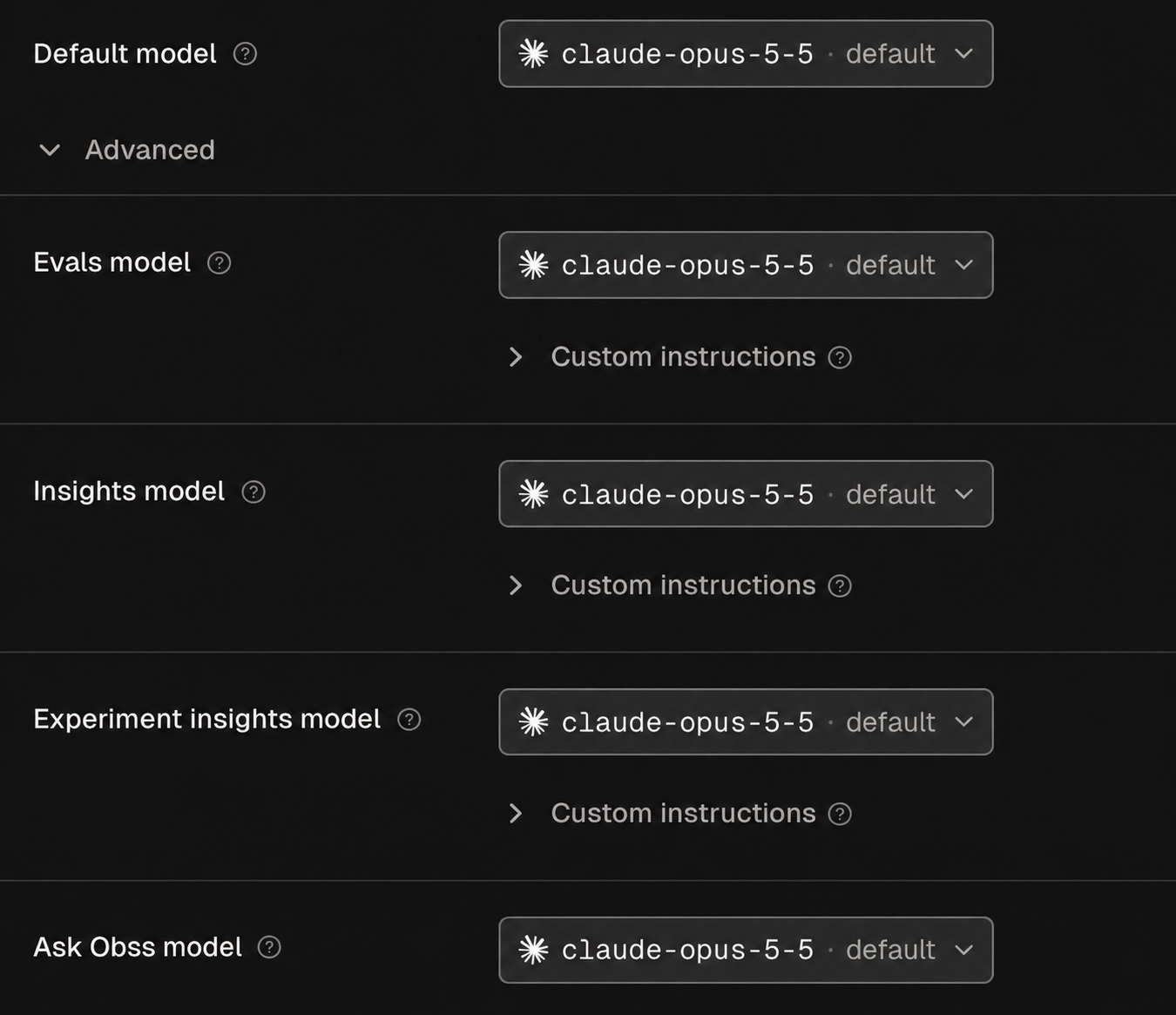
The page shows Default model first, and a model for each feature under Advanced.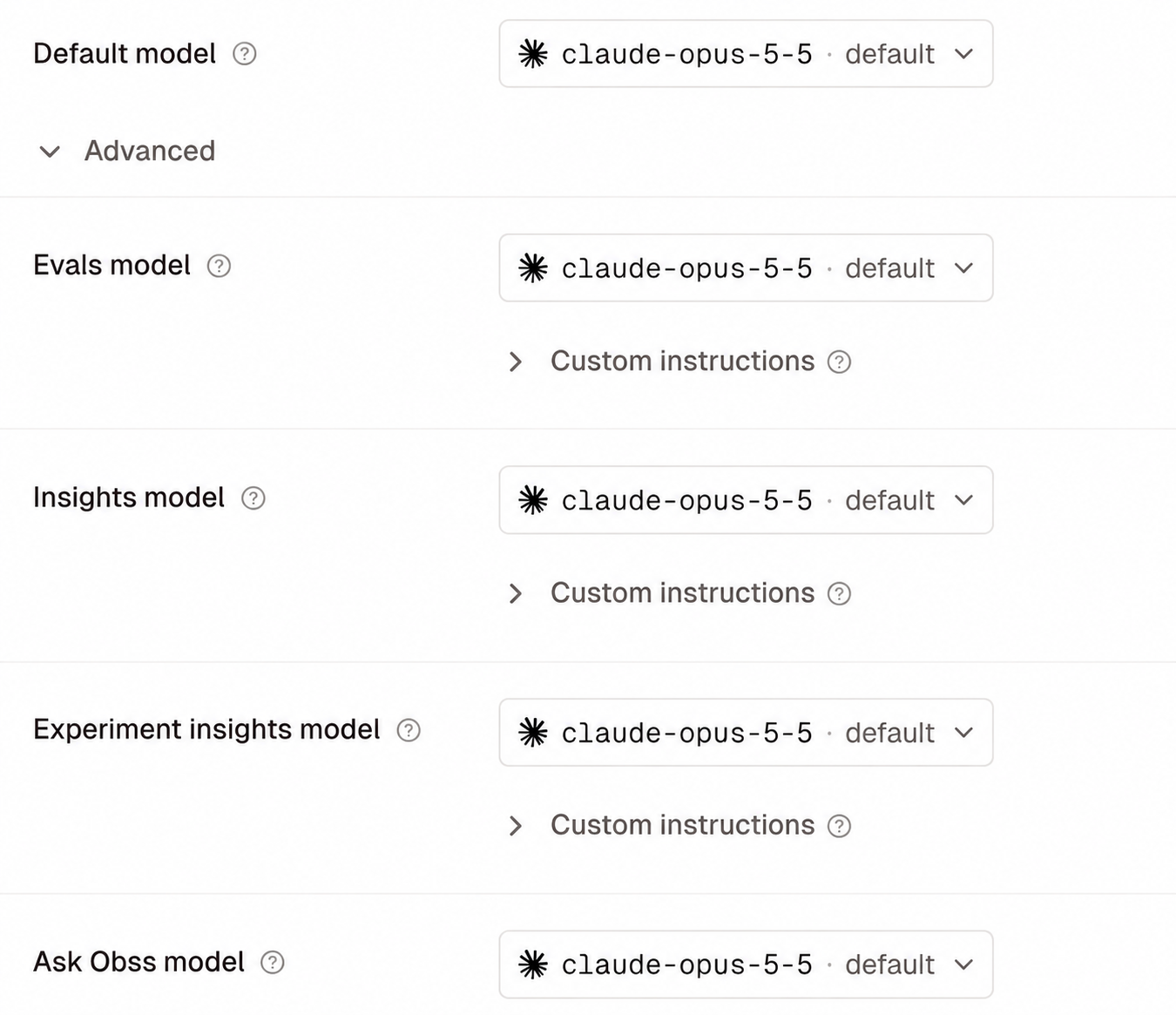
- Dashboard
- CLI
- Plugin (MCP)
- Connect a provider under Organization settings → Model providers, or a personal integration under Profile → Integrations.
- Open Organization settings → Obss AI features.
- Choose a Default model and an effort level. Every feature uses it unless you set its own.
- Optional: under Advanced, choose a model for a feature. Default model then shows Custom per feature.
- Select Save changes.
judge (Evals model), sweep (Insights model), consolidation (Experiment insights model), and ask (Ask Obss model).
Until a provider can supply a model, a feature shows Connect models instead of a picker. When your organization connects its first working provider, Obss can choose a starting model for each feature that has none. It never changes a model you saved.
To use other models or custom instructions for one experiment, override them when you launch, run, or rerun Evals or Insights.
When a saved model cannot run
A saved model stays saved when it can’t run, for example because the provider stopped listing it or your sign-in expired. The page shows a warning, such as “Evals can’t run with its saved model”, and each feature says why. Saving the page doesn’t change features you didn’t edit. Each feature works again once you fix its cause.Evals model
The Evals model marks each rubric criterion Pass or Fail and explains why. There’s no separate deterministic check. Turn Evals on when you launch an experiment, or select Run evals later on the recorded work. After the first pass, the button reads Rerun evals.Agent mode for Evals and Insights is in private beta. Email support@obss.app to enable it for your organization.
Insights models
The Insights model reads each run’s trajectory and finds frictions. The Experiment insights model groups those findings into the project’s frictions. It also writes the experiment’s Brief, for the person who started the Evals or Insights that just finished, without your custom instructions. Turn Insights on at launch, or select Run insights later. After the first pass, the button reads Rerun Insights. Insights also have a Standard mode and an Agent mode (private beta), in which Obss’s insights agent makes many calls to both models. Agent mode for Insights needs an Insights model and an Experiment insights model that can call tools and have a known context window, and it can’t use Claude Pro / Max models. See Choose models for Agent mode. For what each feature reads, and what happens when a run doesn’t fit the context window, see What Evals read and What Insights read.Ask Obss model
Ask Obss is the in-app assistant. It answers questions about your experiments and runs, explains the Matrix and Frictions, drafts small plans, and finds dashboard pages. The Ask Obss model powers it in the dashboard and in Slack. It needs:- A supported provider.
- A model with a known context window. If your provider doesn’t state one, set it.
Add custom instructions
Custom instructions add your organization’s guidance to the Evals, Insights, and Experiment insights models (not Ask Obss). For example, tell the Evals model to prioritize correctness over style, or the Insights model to group findings by root cause. The Brief doesn’t use them.- Open Organization settings → Obss AI features and open Advanced.
- Under Evals model, Insights model, or Experiment insights model, open Custom instructions.
- Enter the instructions, up to 16,000 characters, and select Save changes.
customInstructions on a role binding in set_roles.