
needs-review or release-11, that you put on records in your project to find and group them, for example all the tasks of one release. Tags never change what a record does or how a run uses it, and they’re private to your project: a public experiment link doesn’t show them.
Each tag has a stable ID that starts with tag_ and stays the same when you rename the tag.
What can have tags
Agents, runs, frictions, and projects don’t have tags. A tag goes on the record, not on a version: a new version of a task or skill keeps its tags, and changing tags doesn’t make a new version.
Add and remove tags
- Dashboard
- CLI
- Plugin (MCP)
- Open the record. Under its name, select Add tag, or select its tags if it already has some.
- Type a name, then choose a tag from the list or select Create ”…” to make a new one.
Flaky and flaky are the same tag, and Obss keeps the first spelling.
Tag many records at once
- In a list, select up to 100 records.
- In the selection bar, select Tag.
- Choose the tags to add. A tag that only some records have shows as partly selected: choose it once to add it to all of them, and again to remove it from all of them.
Find records by tag
Lists show up to two tags on each record and a count for the rest. Hover over the count to see them all. The Tags filter appears once the project has a tag:- Choose one or more tags to see records that have any of them.
- Choose No tags to see records that have no tags.
- Choose tags and No tags together to see both.
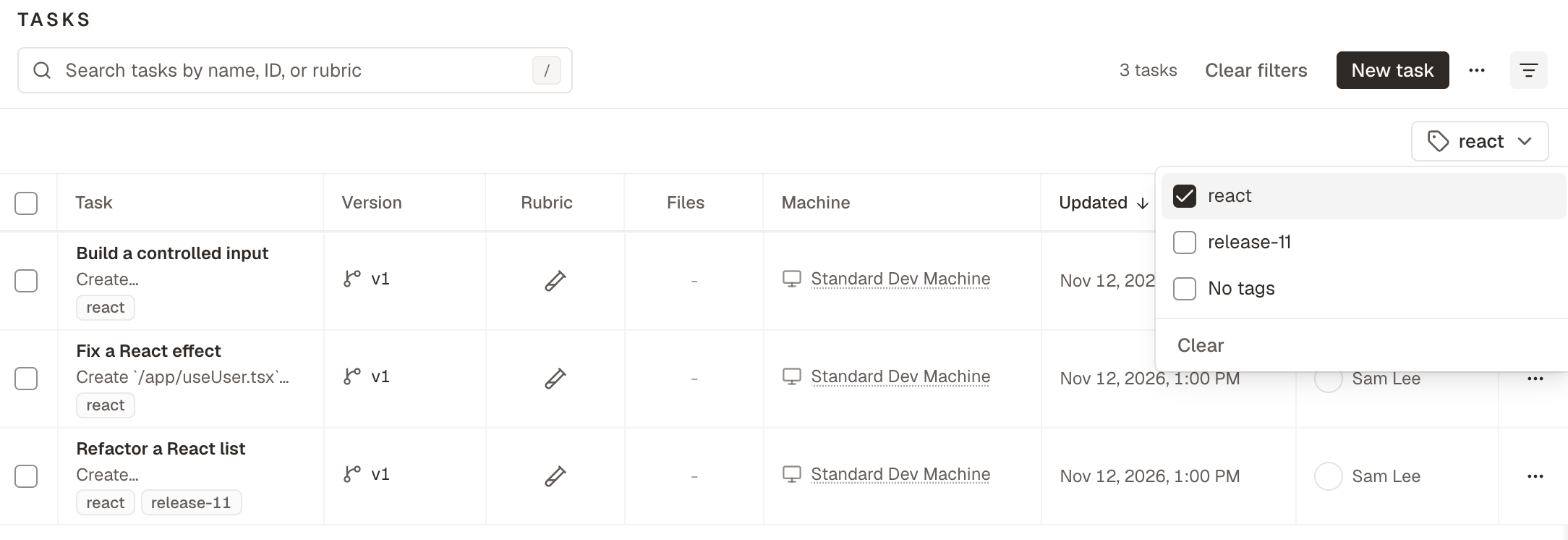
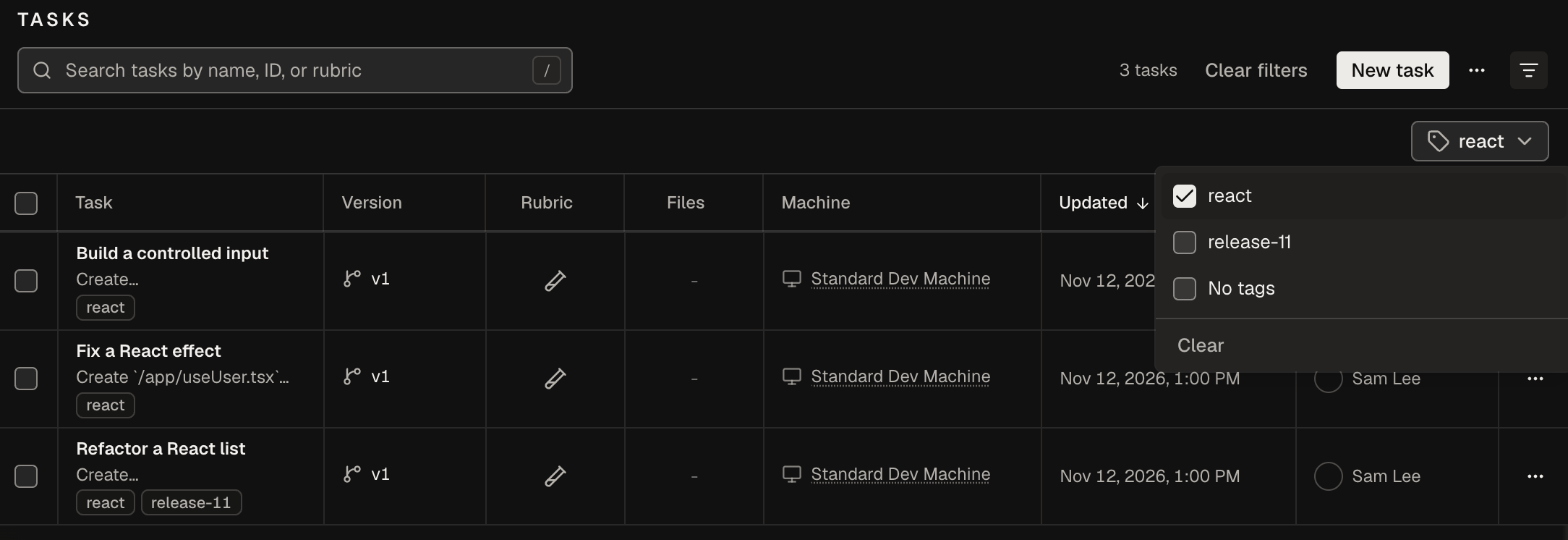
obss catalog list and obss experiments list filter by tag the same way, and so do inspect_catalog and list_experiments in the plugin.
Rename or delete a tag
- Open the tags of any record, or Tag in the selection bar.
- Hover over the tag and select the edit icon, or type its full name and select Edit ”…”.
- In Edit tag, type a new Name and select Save changes, or select Delete tag.
Names and limits
A change that goes over a limit changes nothing, and the dashboard, the CLI, and the plugin tell you which limit it went over.
From the CLI and the plugin
The CLI and the plugin take a tag’s name (in any letter case) or itstag_ ID, and a record’s ID, such as tsk_ or exp_.